TikTok transcription: paste a link, get the transcript
Paste a TikTok link and we transcribe what's said in 99+ languages, every word timed. Use it for captions on your own videos, turn it into a post, translate it, or download SRT subtitles for other platforms.
Any public TikTok video, one per link. Share links from the app work too.
Works with links from TikTok, YouTube, Instagram, and 8 more
Free: 30 min a month, links up to 15 min, no card. Your link or file stays in this browser until you sign up. Compare plans
- Most TikToks fit Free's 15 min link limit
- SRT, VTT and Word on every plan
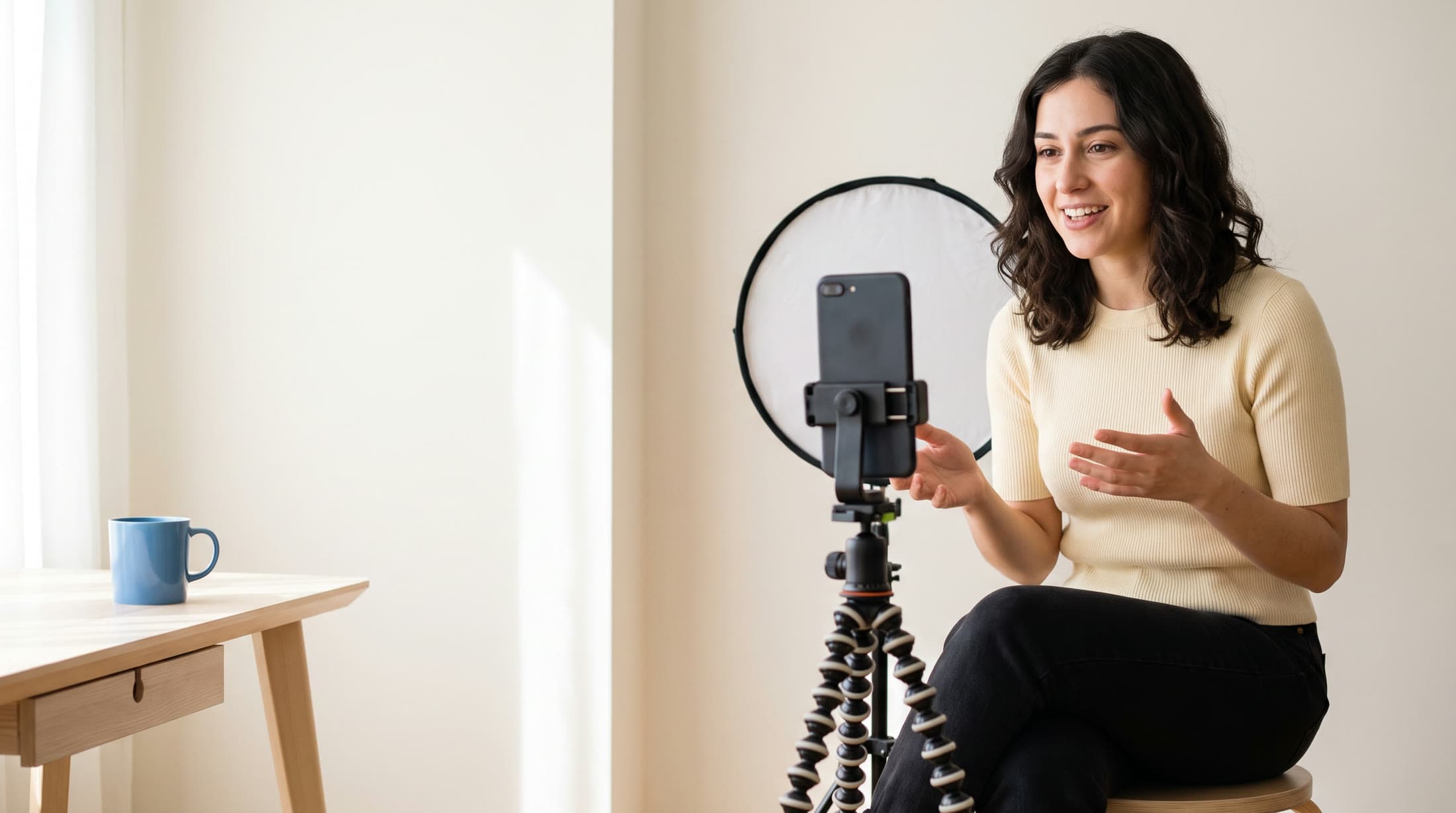
TikTok's captions or a transcript you can keep?
Many TikToks show auto captions. Here's when they're enough and when you need the words as text.
- Just watching? If the creator turned captions on, TikTok shows them on the video. That may be all you need.
- Want the words outside the app? TikTok's captions stay on the video. Here you get text to copy, edit and download as TXT, Word, PDF or Markdown.
- Captions off, or the wrong words? We transcribe the sound itself, so it works when captions were left off, and you can fix any word before you download.
- Posting the video somewhere else too? Download SRT or VTT subtitles timed to the video, for an editing app or another platform.
A real recording and its real transcript
A short clip, like most TikToks: the Apollo 11 landing as PrismaScribe transcribed it. Two speakers on their own lines, every word timed, the beeps tagged. Press Listen and each word lights up as it's said.
The Moon landing, July 20, 1969
Houston, uh, Tranquility Base here. The Eagle has landed.
Roger, Twang... Tranquility. We copy you on the ground. You got a bunch of guys about to turn blue. We're breathing again. Thanks a lot. [beeping]
Captions and documents, ready to download
The Apollo 11 transcript above as SRT and VTT subtitles, and as a Word document. Speaker names and times come along, or switch them off.
Apollo 11 landing.srt
- 100:00:00,500 to 00:00:05,980Neil Armstrong: Houston, uh, Tranquility Base here. The Eagle has landed.
- 200:00:06,640 to 00:00:08,478CAPCOM, Charlie Duke: Roger, Twang...
- 300:00:08,478 to 00:00:12,494Tranquility. We copy you on the ground. You got a bunch of guys about to turn blue.
- 400:00:12,494 to 00:00:14,720We're breathing again. Thanks a lot. [beeping]
Apollo 11 landing.vtt
WEBVTT
- 100:00:00.500 to 00:00:05.980Neil Armstrong: Houston, uh, Tranquility Base here. The Eagle has landed.
- 200:00:06.640 to 00:00:11.301CAPCOM, Charlie Duke: Roger, Twang... Tranquility. We copy you on the ground. You got a bunch of guys
- 300:00:11.301 to 00:00:14.720CAPCOM, Charlie Duke: about to turn blue. We're breathing again. Thanks a lot. [beeping]
Apollo 11 landing
Neil Armstrong
[0:00] Houston, uh, Tranquility Base here. The Eagle has landed.
CAPCOM, Charlie Duke
[0:06] Roger, Twang... Tranquility. We copy you on the ground. You got a bunch of guys about to turn blue. We're breathing again. Thanks a lot. [beeping]
How to transcribe TikTok videos
Three steps, and the link waits for you while you sign up.
1 Copy the TikTok's link
In the TikTok app, tap Share, then Copy link. On a computer, copy the address bar. Short share links work too.
2 Paste it and pick the language
Leave the language on detect or choose it. Set a start and an end if you only need part of a longer video, and only that part is downloaded and counted.
3 Read, fix and download
Click any word to hear it and correct what needs correcting. Then download it as TXT, SRT, VTT, PDF, DOCX or Markdown.
30 min of free transcription a month, no card.
Captions for your own TikToks, and subtitles for everywhere else
Captions
Download the transcript as an SRT or VTT file on every plan, with your edits in it. Use it in an editing app that takes subtitle files, or post the same video on another platform with its captions.
- Short lines for a tall screen: set the line length and how long each caption stays.
- Your name in or out, as your viewers need it.

Subtitles
SRT, selectedVTT
Subtitle settings
Max characters per line 42 characters
Max segment duration 4 seconds
Meal prep in 20 minutes.srt
- 100:00:00,000 to 00:00:03,113Maya: Okay, meal prep for the whole week
- 200:00:03,113 to 00:00:06,000in twenty minutes. Here's how I do it.
Your TikTok in another language
Translate
Translate the transcript into any of 99+ languages. Each line keeps its time, so you can caption a video for viewers abroad or read one made in a language you don't speak.
- Side by side with the original, line by line.
- Download the translation as TXT, SRT or VTT.

English to Spanish
Okay, meal prep for the whole week in twenty minutes. Here's how I do it.
Vale, preparo las comidas de toda la semana en veinte minutos. Así lo hago.
First, one tray in the oven: chickpeas, peppers and onions, all at once.
Primero, una bandeja al horno: garbanzos, pimientos y cebolla, todo a la vez.
Turn a TikTok into a post, a script or a newsletter
Repurpose
Make a summary of key points, each with the moment it was said, and write your caption, blog post or newsletter from it. Click a time to hear the line again.
- Ask a question about the video and jump to the answer.
- Keep every transcript in folders, searchable for your next script.

Summary
Meal prep in 20 minutes
Meal prep in 20 minutes · 2:48 Open transcript
Key points3
- Maya: One tray of chickpeas, peppers and onions roasts while everything else cooks. 0:06
- Maya: A big pot of rice covers four days of lunches. 0:14
- Maya: Three sauces in jars keep the same meal from getting boring. 1:52
What happens to a TikTok link
What PrismaScribe takes from the video, and what it leaves.
- Only the sound is downloaded. We fetch the video's audio, never the picture, and your library lists it as an audio file. We don't give a video file back.
- The speech becomes text. Everything said is transcribed, with when it was said. TikTok's captions aren't read, so a video without them works the same.
- Text on screen isn't read. Text stickers, captions and titles in the picture aren't transcribed. If nobody says it, it isn't in the transcript.
- Photo posts have nothing to hear. A photo post is pictures and a soundtrack, with nobody speaking, so there's nothing to transcribe. Paste a video's link.
- Public videos only. Private and friends-only videos can't be imported, and neither can a LIVE while it's on. If the video is yours, save it and upload the file.
- Now and then TikTok says no. TikTok occasionally refuses a download. If it does, save the video and upload the file instead.
Other sites, the same way
The same link field takes one public video at a time from these sites too.
Links also work from
- YouTube
- Vimeo
- X
- SoundCloud
- Twitch
- Loom
- Dailymotion
One video per link, on the web. Google Drive, Dropbox and Spotify links can't be imported.
Have the file instead?
- Longest link
- 15 min on Free, 5 hr on Starter and Premium, 8 hr 20 min on Pro, after setting a start and an end
- Part of a video
- Set a start and an end: only that part is downloaded and counted
- Languages
- 99+, or detected automatically
- Downloads
- TXT, SRT, VTT, PDF, DOCX and Markdown, on every plan
Good to know
- On Free, a TikTok link can be up to 15 min, which covers most TikToks. For a longer video, set a start and an end around the 15 min you need.
- Paid plans take a link up to their own file length: 5 hr on Starter and Premium, 8 hr 20 min on Pro. Custom vocabulary counts as 1.25× the minutes and noise removal as 2×.
- Free has 30 min a month, up to 15 min a day, one video at a time. Top-up hours lift the daily and per-video time limits.
- Links are on the web. The iPhone app uploads videos from Files and Photos.
- Transcribe videos you made or have permission to use.
- YouTube, TikTok, Instagram and WhatsApp are trademarks of their owners. PrismaScribe isn't affiliated with them.
Plans
Monthly and yearly prices for every plan. The full comparison is on the pricing page.
30 min a month, files up to 15 min
- Monthly
- $0
- Yearly
- $0
5 hr a month, files up to 5 hr
- Monthly
- $7 a month
- Yearly
- $52 a year, Save 38%$4.33 a month, billed once a year
20 hr a month, files up to 5 hr
- Monthly
- $20 a month
- Yearly
- $150 a year, Save 38%$12.50 a month, billed once a year
40 hr a month, files up to 8 hr 20 min
- Monthly
- $40 a month
- Yearly
- $300 a year, Save 38%$25 a month, billed once a year
Your transcripts stay private
- Encrypted in transit and at rest, and visible only to you and the people you share them with.
- Never used to train AI models.
- Kept until you delete them.
TikTok transcription FAQ
More questions? Write to hello@prismascribe.ai.
How do I get the transcript of a TikTok video?
Copy the video's link in TikTok (Share, then Copy link) and paste it here to convert the TikTok video to text. We transcribe the video's sound, and the transcript waits in your dashboard with every word timed. TikTok's own captions show on the video, but you can't copy or download them there.
Does it work if the TikTok has no captions?
Yes. PrismaScribe never reads TikTok's captions: it downloads the video's sound and transcribes what's said. A video with captions off works the same as any other.
Is the TikTok video transcript generator free?
Yes, on the Free plan, with no card: 30 min of transcription a month, up to 15 min a day, one video at a time. A link can be up to 15 min, which covers most TikToks; for a longer one, set a start and an end. Speaker labels, every download and translation are included. For more minutes there are paid plans, and top-up hours that never expire.
How long can the video be?
Up to 15 min on Free, 5 hr on Starter and Premium, and 8 hr 20 min on Pro, counted after you set a start and an end. On Free, a longer link has to be trimmed to 15 min before it's transcribed; a longer uploaded file is transcribed up to its first 15 min.
Which TikTok links work?
Any public TikTok video, one per link: the short link from Share and Copy link in the app, or the address of the video in a browser, on a computer or a phone. Private and friends-only videos can't be imported, and neither can a LIVE while it's on. Now and then TikTok refuses a download; then save the video and upload the file.
What about photo posts and slideshows?
A photo post is pictures and a soundtrack, with nobody speaking, so there's nothing to transcribe. Paste the link of a video instead.
Which languages can it transcribe?
99+ languages, picked by you or detected automatically, including videos where people switch languages mid-sentence. You can then translate the transcript into any of 99+ languages. See every language.
Can I use it as a TikTok captions generator for my own videos?
Yes, on every plan. Download the transcript as SRT or VTT, set the line length and how long each caption stays on screen, and choose whether names show. Use the file in an editing app that takes subtitles, or when you post the same video on another platform. Subtitle generator.
Can I use it on my phone?
Yes, in your phone's browser: copy the link in the TikTok app and paste it here. Links aren't in the iPhone app yet; it uploads videos from Files and Photos.
How long does it take?
First the video's sound is downloaded, then about an hour of audio takes about two minutes to transcribe. You can close the page; the transcript waits in your dashboard and an email tells you it's done.
Paste your next TikTok link.
30 min of free transcription a month, no card.

One recording in.
Everything you need out.